AI Humanize Text

A better edit starts with you

You bring the draft and the intent. The tool suggests a clearer version. You decide which words make it into the final piece.

How to humanize AI text in three steps

  1. 01

    Paste & protect

    Start with a complete draft. Mark the wording that needs to stay exactly as it is.

  2. 02

    Choose your edit

    Set your writing type, tone, and edit level to suit the person reading it.

  3. 03

    Review & finish

    Check the meaning and the details, make any final edits, and copy your text.

Preserve the words. Then check the meaning.

Protected wording helps keep selected text intact. The meaning also depends on the words around it: “by Friday” and “after Friday” are different promises. Compare the result with the original and make the final changes yourself.

How to humanize AI text
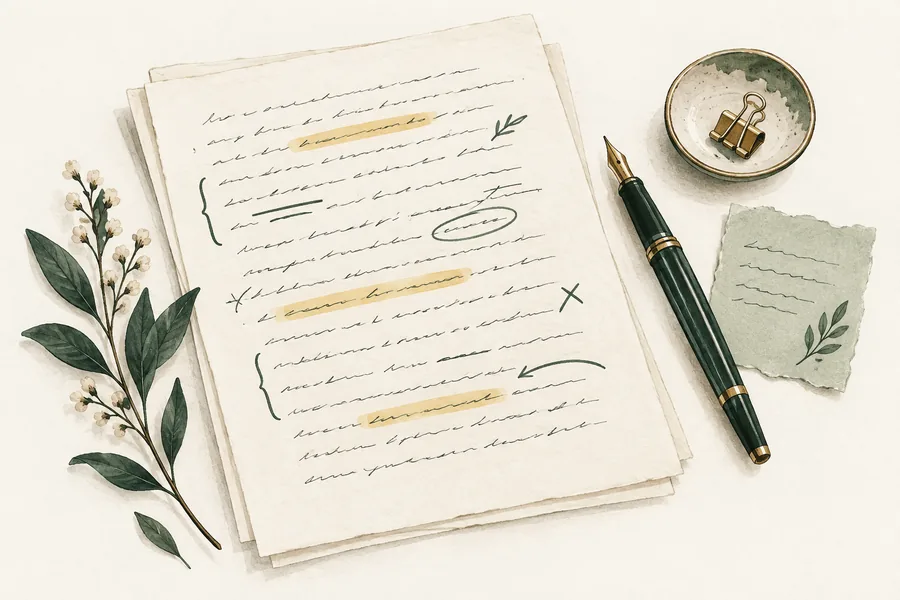
A manuscript with highlighted passages, handwritten revision marks, and a green fountain pen.
An editor’s habit worth keeping: mark the details that matter before changing the wording.

Protected wording protects characters, not every meaning

Add names, exact terms, quotations, or figures that must remain unchanged. Keeping “14 October” is useful, but the sentence must also say whether that is a meeting date or a deadline. Read the surrounding sentence and any review notes.

What happens when you submit

An AI model rewrites your draft with the selected settings. Automated checks look for missing protected wording and possible changes in meaning. A limited repair may be attempted before the result is returned. These checks are a second pass, not a guarantee of accuracy.

Word limits and retries

The editor shows the limit and estimated word usage before submission. If a complete draft is too long, split it at a natural section boundary. A new rewrite, including a selected passage, uses the displayed input-word allowance. Failed jobs return the allowance; changing your mind about a completed result does not make it a failed job.

See plans and word limits

Text handling and your final copy

Submitted text goes to the configured AI service to produce and check the result. Download or copy the version you need: the tool is not a permanent document archive. Read the privacy policy before sending confidential material.

Privacy policy

A few useful answers

Clear expectations make for better writing.

What does it mean to humanize AI text?

It means editing an AI-assisted draft so the language feels more natural and fits its reader. Clearer wording and less repetition can help. It does not verify the facts or prove who wrote the text.

Will it change my meaning?

The aim is to improve expression while keeping your message. Protect important wording and compare the result with the original, especially numbers, names, quotations, and qualifications such as “may” or “must.” Automated checks can miss mistakes.

Is there a free trial?

Sign in to see your free word allowance and the limit for each rewrite. Usage is shown before you submit. See Pricing for the current plans and how words are counted.

Can it guarantee an AI detector result?

No. Detector results depend on the detector, its version, and the text. Use this tool to improve communication and follow the rules that apply to your work. There is no built-in detector score in this version.

How is my text handled?

Your draft is sent to an AI service to generate and check the rewrite. Results are available for a limited period rather than as permanent history. Read the privacy policy for retention, service providers, and deletion details before submitting sensitive information.

Which languages is it designed for?

The editing workflow is designed for English text. The website also has a Chinese interface; that does not mean every language has the same editing quality.

How is it different from a paraphraser?

The features overlap. A paraphraser restates an idea; a humanizer usually focuses on making an AI-assisted draft feel more natural. Choose based on the changes and controls you need, then review the actual result.

Give your next draft a clearer voice

Start with one paragraph. Keep the good parts. Make the rest sound like you.

Humanize my text